
To add a subject to the existing Earwig subject list just visit the subject list from the "School Lists" section of the Left-hand dashboard menu

Just type in the name of the new subject (carefully checking the spelling) then press "Add"
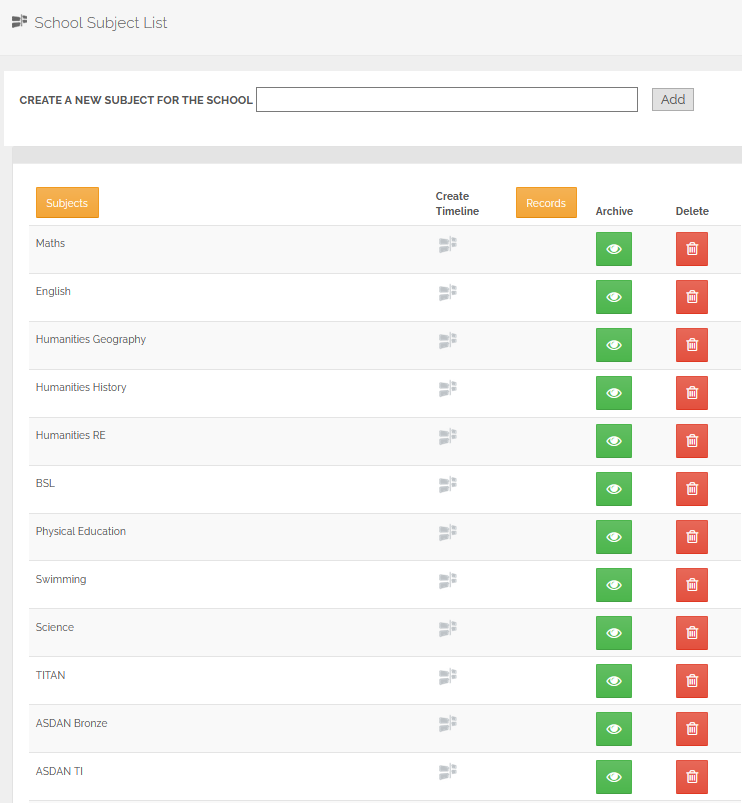
Here you can also archive or delete existing subjects and "Drag & Drop" to reorder them.
Comments
0 comments
Please sign in to leave a comment.