
Dotted around the Earwig system are various Help videos.
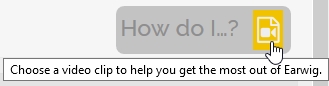
They can be found by clicking on the "How Do I...?" icon, which is usually located in the top, right-hand corner of a screen.
The screens with "Help" videos are:
Image Bank (6 videos)
Assess screen (8 videos)
Track screen (1 video)
Data screen (1 video)
Some of these videos can also be found under the "training" section of the website. Found from the LH Dashboard menu.
Comments
0 comments
Please sign in to leave a comment.