
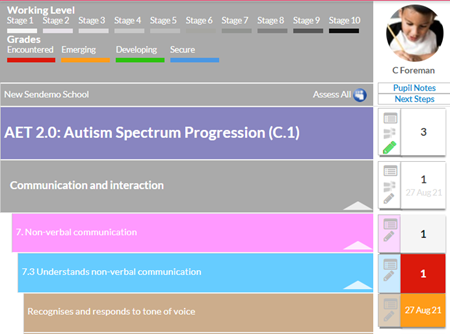
To downgrade an assessment, e.g. your SEN pupil regressed or was unable to maintain the assessed grade, click on the pencil icon. A “grading notes” box will open in a new window.
By clicking the red down arrow, Earwig will downgrade the score by one grade.
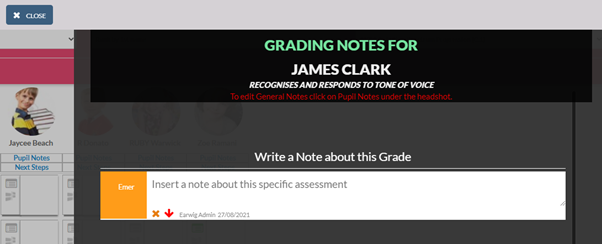
A final safety check is applied before the downgrade can be completed

Comments
0 comments
Please sign in to leave a comment.